Organizations
An organization is an entity that houses your tests so that they can be centralized and accessed by multiple users. Organizations come with specific allotments for monthly test runs and members that are dictated by the chosen plan. When creating a trial account, a new organization will be created for you. Organizations typically correspond to business entities with employees becoming members, but can be used however you see fit.
New organizations can be created at any time, but note that each new organization requires its own paid plan. There is no limit on how many organizations you may join. Suites can also be transferred between organizations.
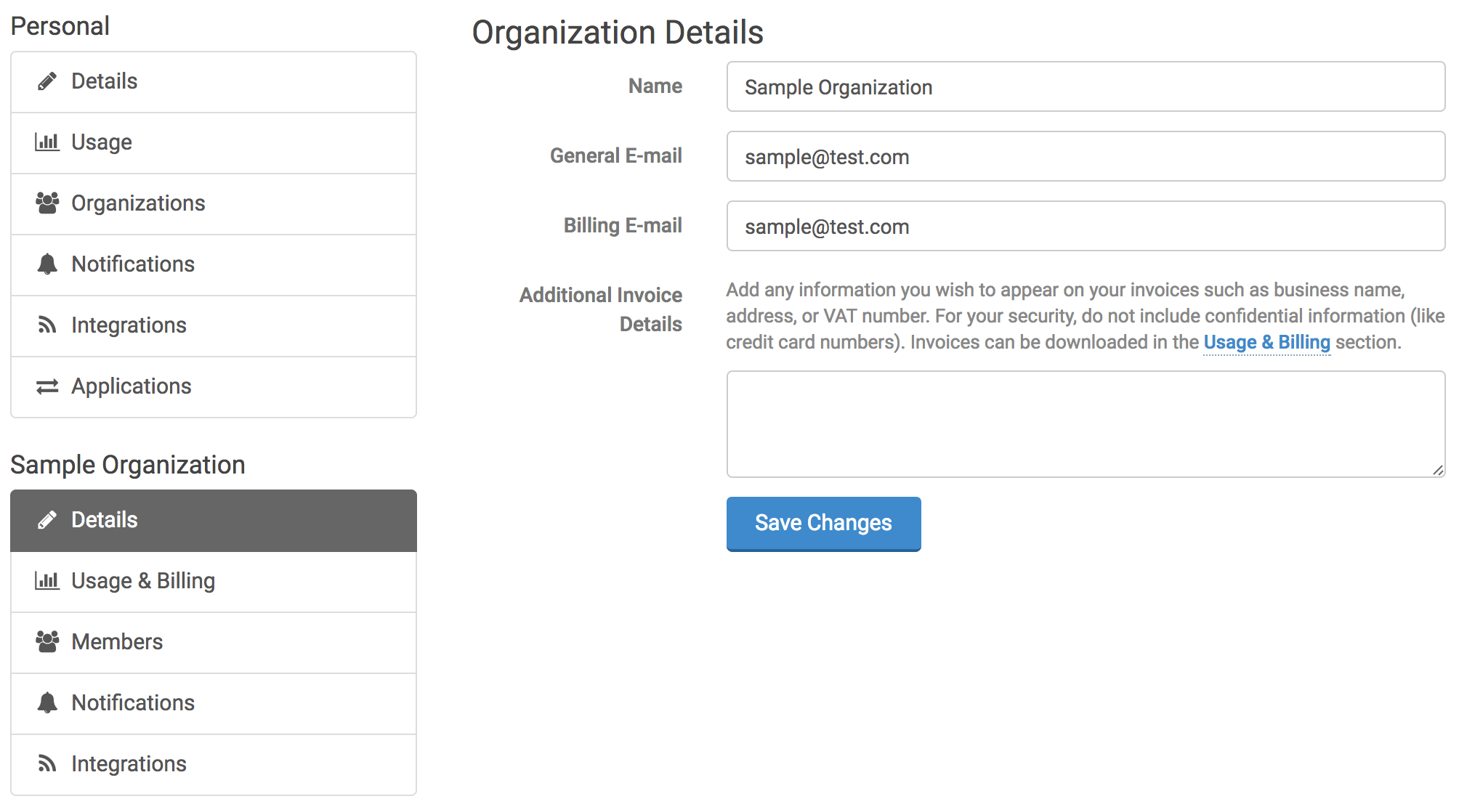
Organization details can be managed on your account screen (by clicking your name on the top, right of the application). Options are provided for managing details, billing, usage, members, notifications and integrations.
Enterprise & Security
Enterprise plans add features for managing access to your organization at scale:
- Single sign-on (SSO) — let members log in through your identity provider (Okta, Microsoft Entra ID, Google Workspace, or any SAML 2.0 provider).
- SCIM provisioning — automatically create and deactivate members in sync with your identity provider.
- Login IP allowlist — restrict organization access to trusted networks.
- Access events (audit log) — review sign-ins and security-relevant activity.
See Enterprise & Security for an overview of all of these.